Zedra Wallet
Zedra is a browser wallet made for Cedra.
- Go to zedra.app
- Click Download or Install Extension
- Pick your browser and confirm
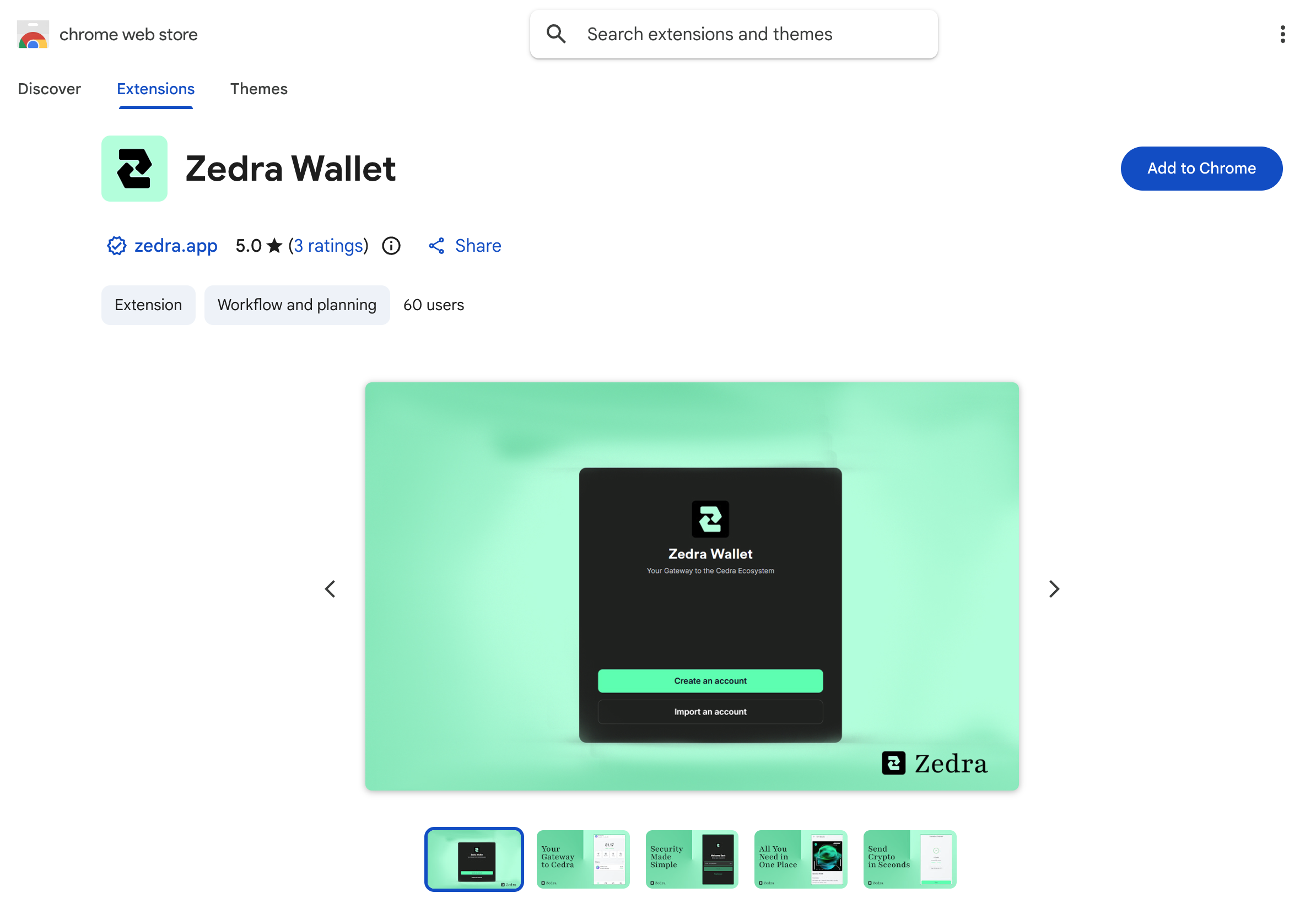
Create a wallet
- Click the Zedra icon in your browser toolbar
- Click Create Wallet
- Set a password
- Write down your 12 words somewhere safe
- Confirm your recovery phrase
Keep your seed phrase safe
Anyone with your seed phrase can take your funds. Write it down on paper and store it offline.
Pick a network
- Open Zedra
- Click the network selector
- Choose Cedra Testnet
Import an existing account
Already have a Cedra account from the CLI? Import it:
- Click Import Wallet
- Enter your seed phrase or private key
Export your private key from CLI:
cedra config show-private-key --profile default
Check it works
- You should see your address (starts with
0x) - On testnet, grab some tokens from the faucet
Next steps
- Get testnet tokens from the Faucet
- See wallet integration for connecting wallets to your dApp