Nightly Wallet
Nightly is a browser extension and mobile wallet that works with multiple chains including Cedra.
Website: nightly.app
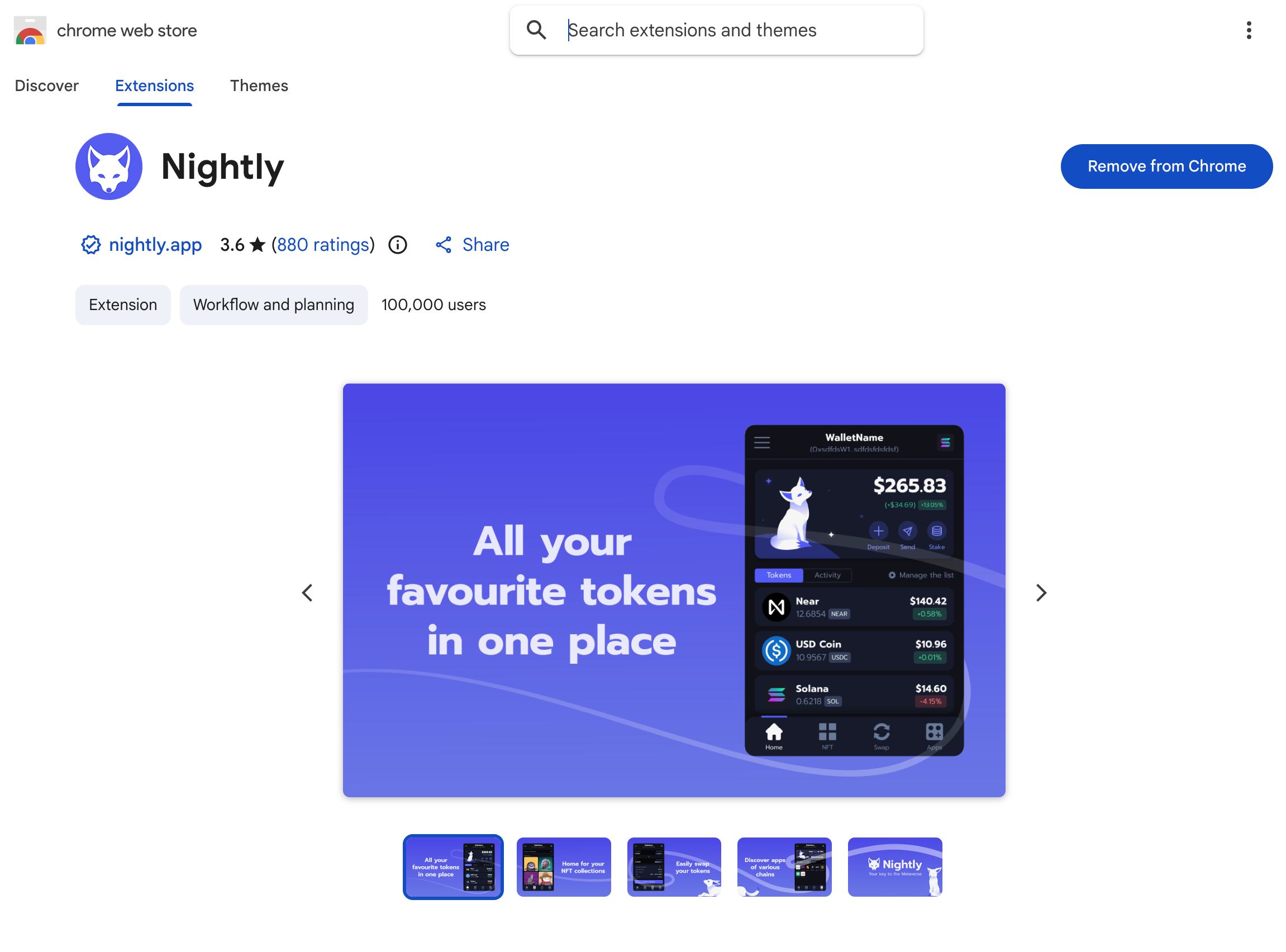
- Go to nightly.app and click Download
- Pick your browser (Chrome, Firefox, Safari, or Edge)
- Click Add to Browser
Create a wallet
- Click the Nightly icon in your browser toolbar
- Click Create a new wallet
- Pick how you want to secure it:
- Seed phrase - you control everything
- Social login - easier setup, recovery depends on the service
- Write down your 12 words somewhere safe
- Confirm your recovery phrase
Keep your seed phrase safe
Anyone with your seed phrase can take your funds. Write it down on paper and store it offline.
Add Cedra network
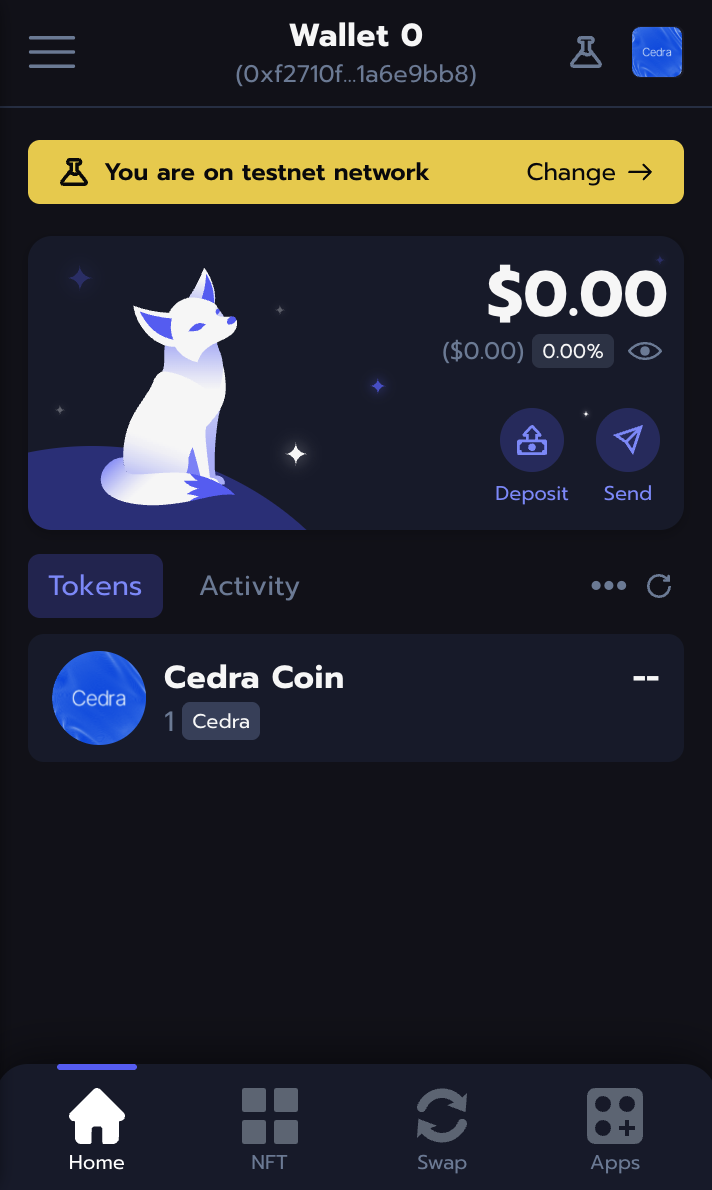
- Click the network selector at the top of the wallet
- Search for Cedra
- Pick Cedra Testnet
Import an existing account
Already have a Cedra account from the CLI? Import it:
- Click Import Wallet
- Choose Private Key or Seed Phrase
- Paste your credentials
Export your private key from CLI:
cedra config show-private-key --profile default
Import it via Add New Wallet

Check it works
- Switch to Cedra network
- You should see your address (starts with
0x) - On testnet, grab some tokens from the faucet
Next steps
- Get testnet tokens from the Faucet
- See wallet integration for connecting wallets to your dApp