 Nova Desk
Nova Desk is the official desktop wallet for the Cedra blockchain. Built for power users and developers, Nova Desk combines enterprise-grade security with a seamless user interface.
Demo
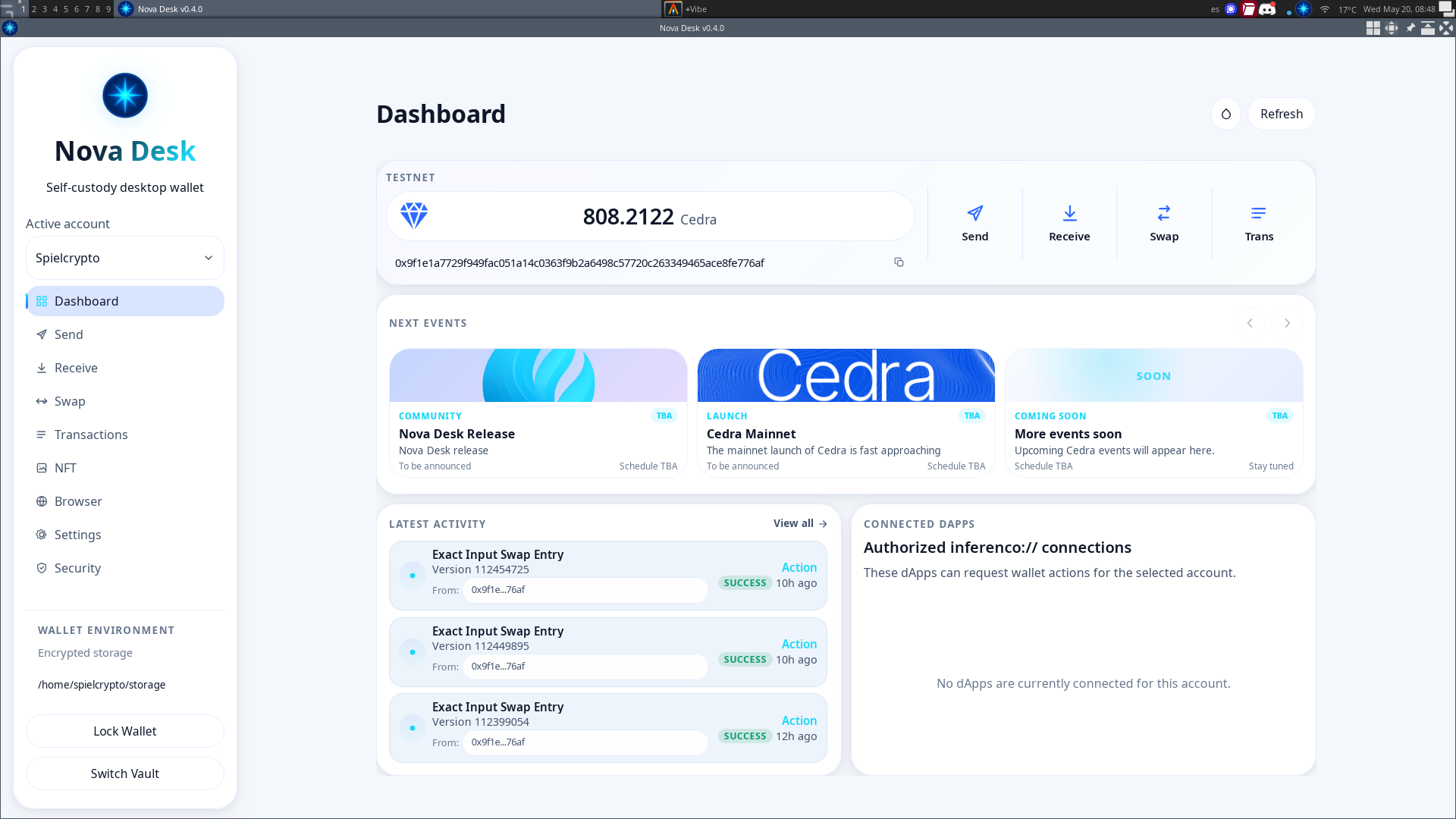
Download
Installation
- Download Nova Desk for your operating system from the link above
- Run the installer:
- Windows: Run the
.exeinstaller - macOS: Extract the Zip file and move to Applications
- Linux: Use the AppImage
- FreeBSD: Use the FreeBSD-specific build
- Windows: Run the
- Launch Nova Desk from your applications menu
- On the Vault Selection screen, choose a folder location for your new vault
- Enter and confirm a strong Wallet password to encrypt your vault data
- Create a new account or import an existing one
- Your vault and first account are ready to use!
Supported Platforms
- Windows (x64)
- macOS (Intel & Apple Silicon)
- Linux (x64 & ARM64)
- FreeBSD
Supported Networks
- Testnet
- Devnet